The complete workflow for content that works
Find the ads and posts that win. See why, second by second. Brief your next one, and check the cut.
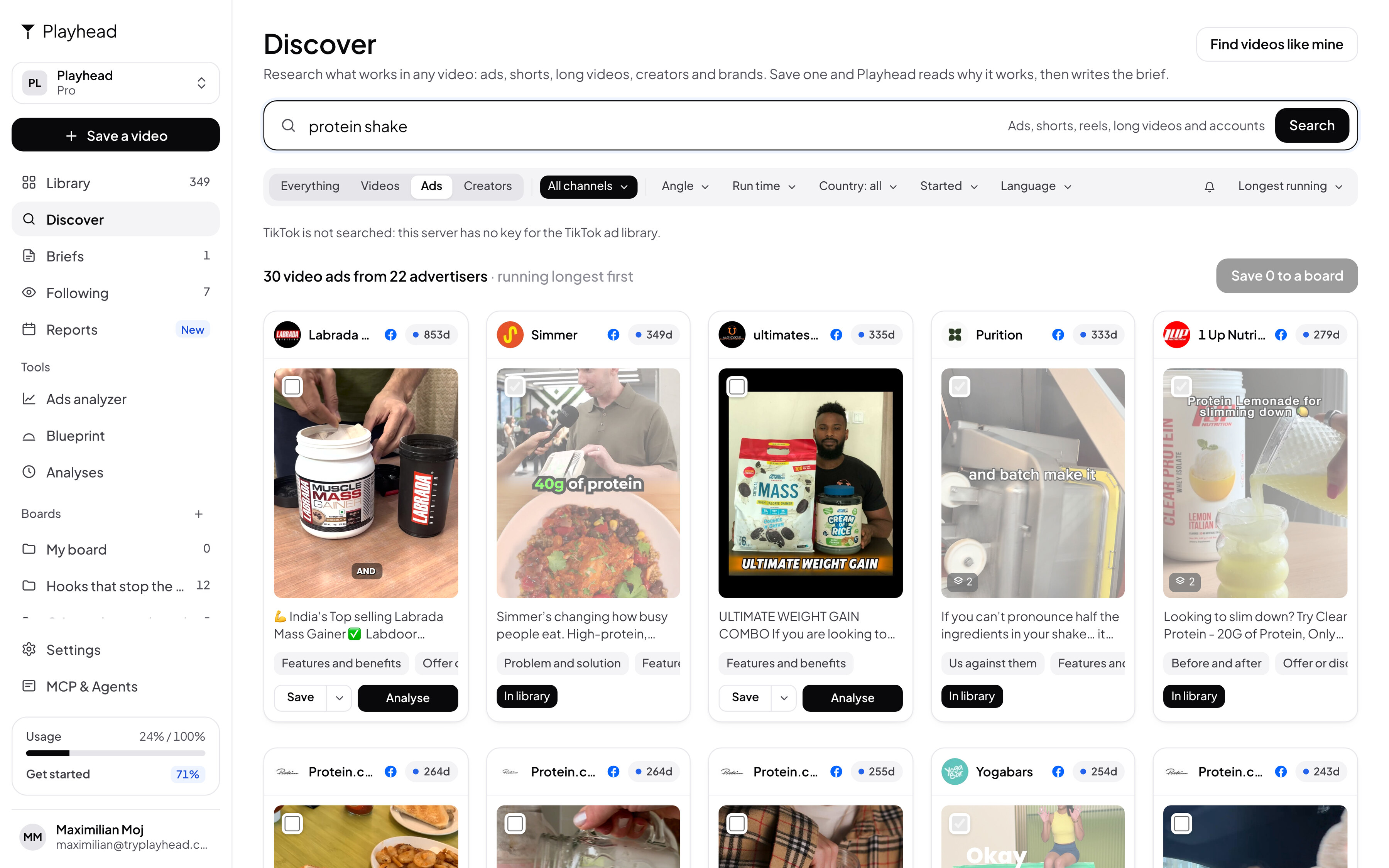
Reads every platform your market posts on
In Claude and ChatGPT
Ask in your chat. Get a script with seconds.
Claude finds the videos. Playhead watches them. Claude writes.
Your new unfair advantage
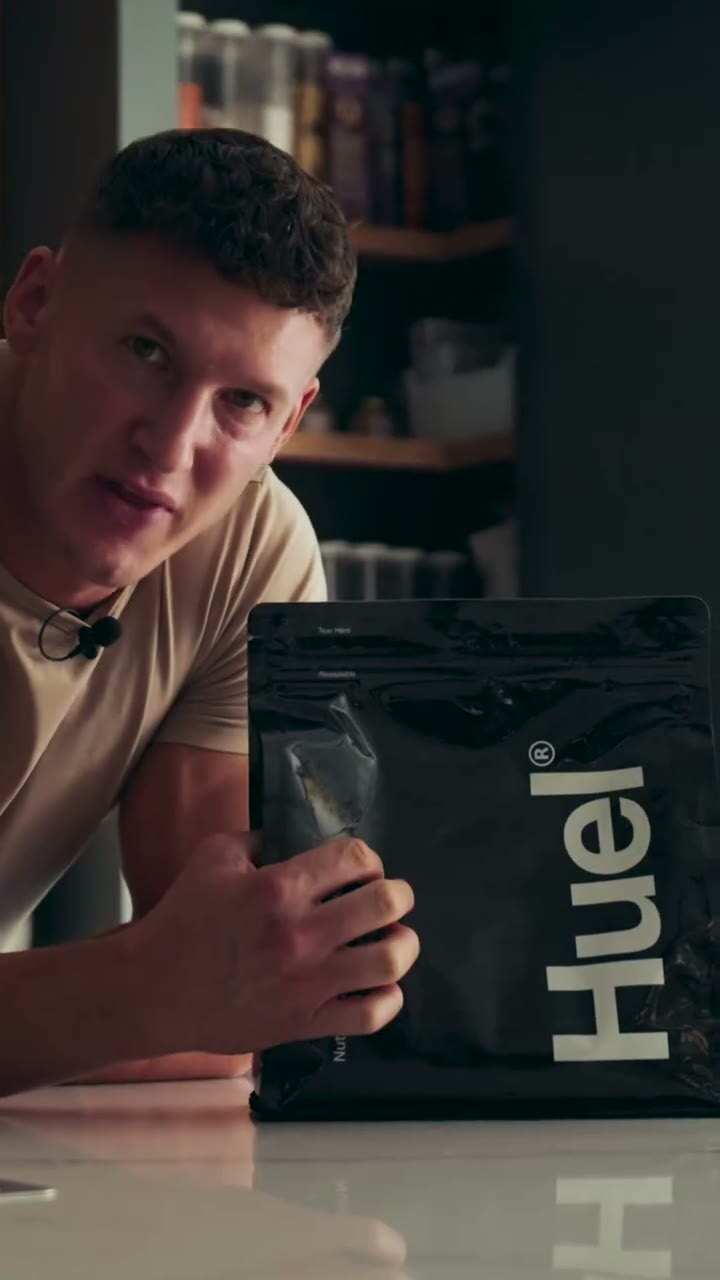
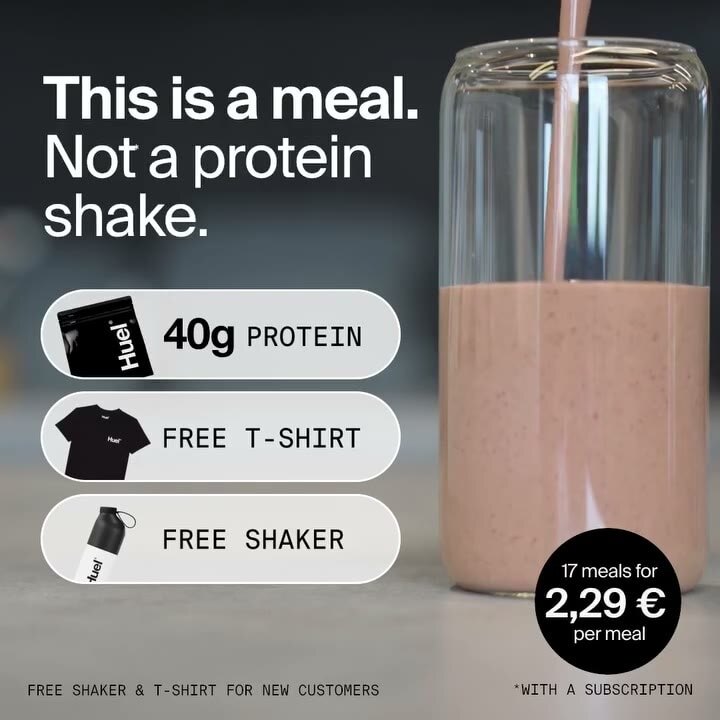
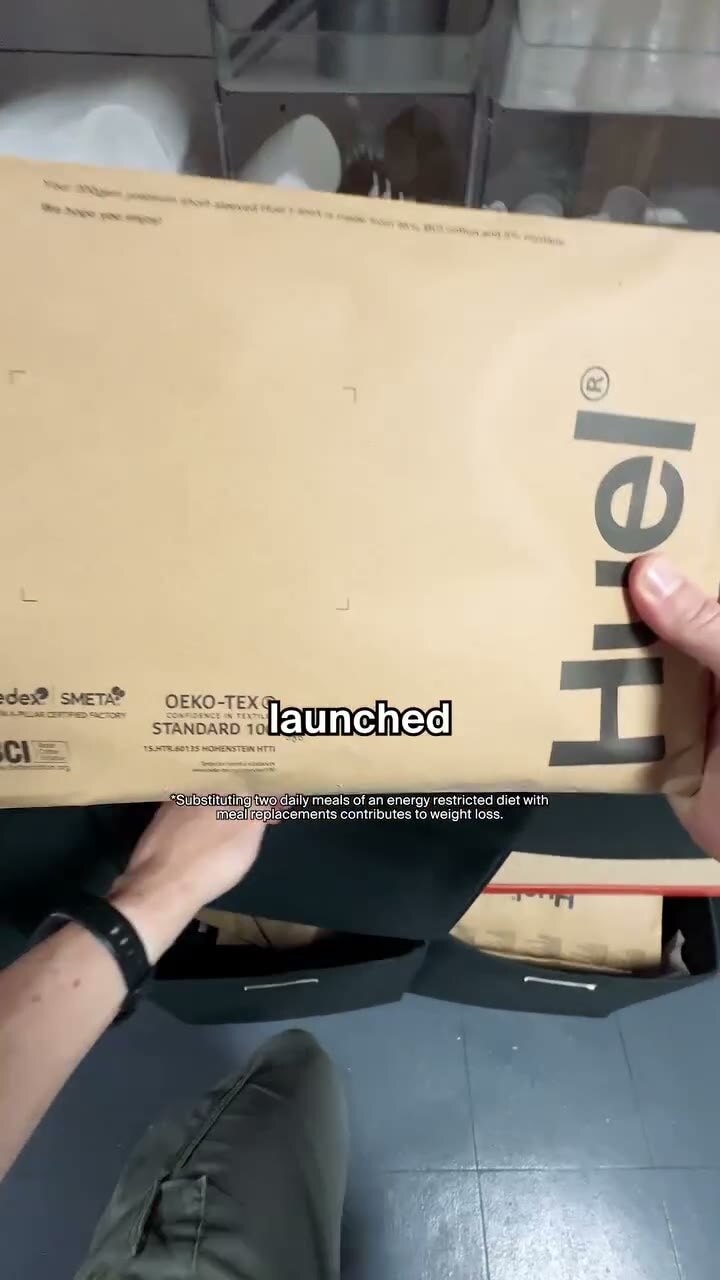
The same Huel ad, twice. On the left, what the Ad Library tells you. On the right, what Playhead reads.
In the Meta Ad Library
Don't change your life, just change lunch 📈 Say hello to our Hot & Savoury Pots. Just add water for a delicious, nutritious* lunch. Whether you're craving Katsu Curry Noodles or Pasta Bolognese, we've got you covered.

In Playhead
358 days · winner- Viewer thinks
- “I know that exact tired feeling after work.”
- The picture
- Quick glimpse of food and unpacking parcel.
- Feels
- Tired but attentive
- 0.0HookI tell you what, on those days that you come home from work
- 3.5Brand seenHuel meal cups tumbling out of a shipping box.
- 5.9Brand namedHuel has got you covered.
- 7.4First proofPouring hot prepared noodles into a bowl and showing texture.
- 8.1Claimfive minutes, high protein, taste frickin Delicious.
- 11.1First faceYoung male creator speaking directly to camera while eating.
- 11.3TestimonialCreator tasting and reacting positively to Spicy Gochujang Noodles.
- 22.0Offer and askFree t-shirt for new customers. Shop now.
A Huel ad from the Meta Ad Library, read by Playhead on 10 October 2026.
Real ads, read to the second
Every cut. Every claim. Every second.

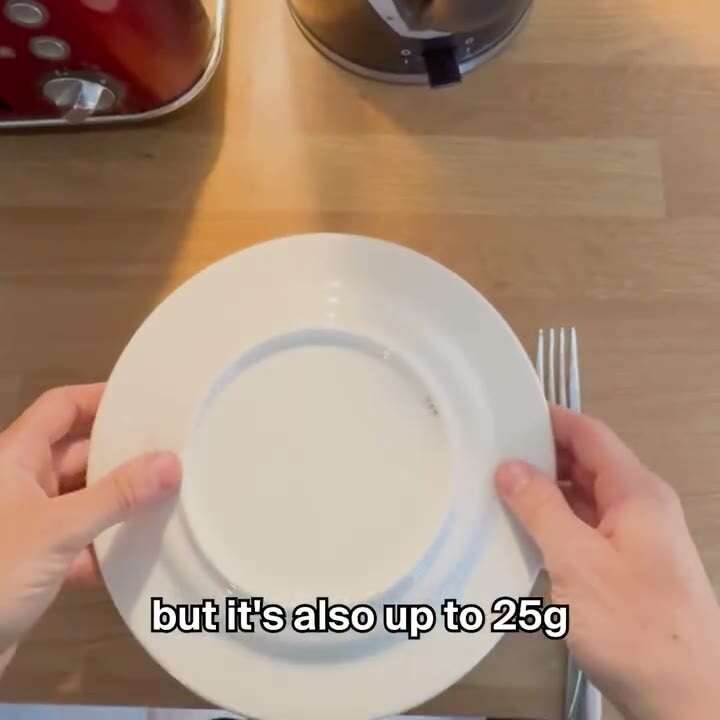
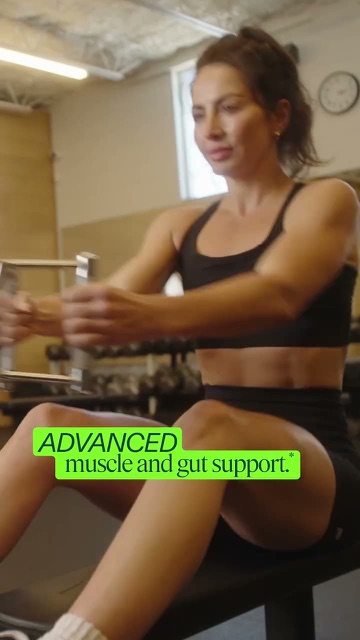
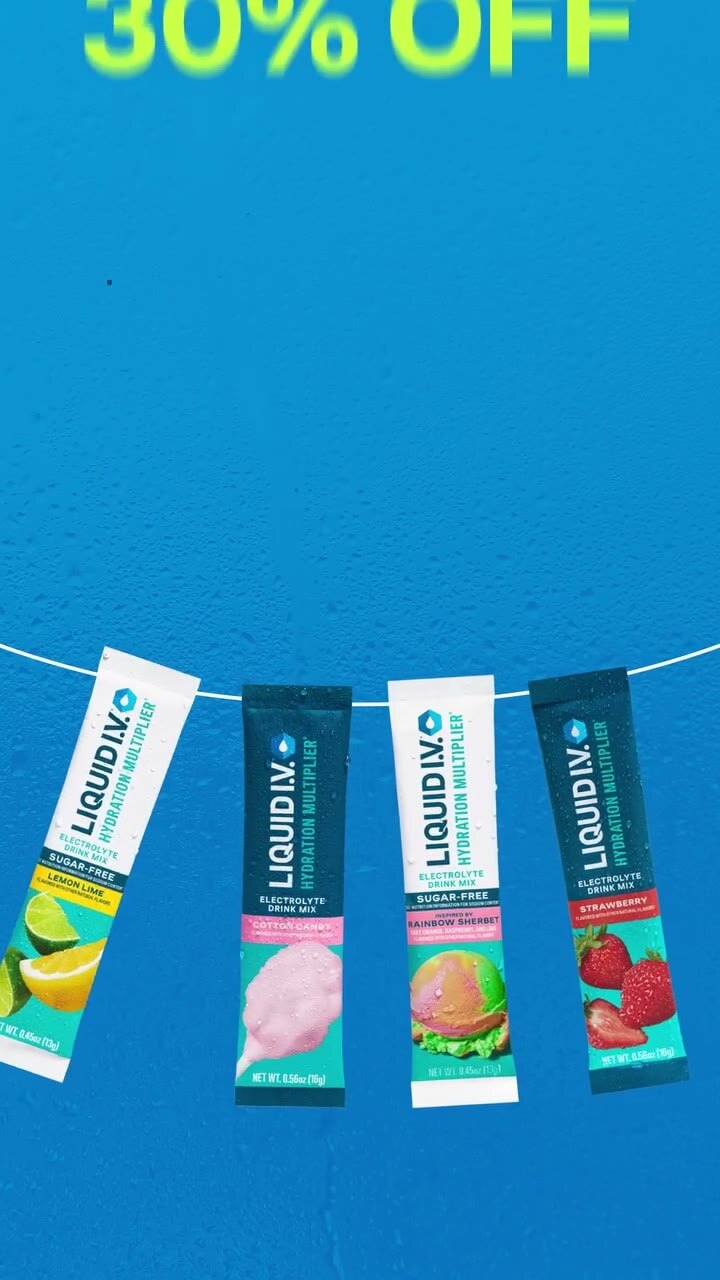


Research and inspiration
Find what already wins, before you film.
Search every ad library, follow your competitors, and keep every video in one place.
Discover
Search every ad library at once
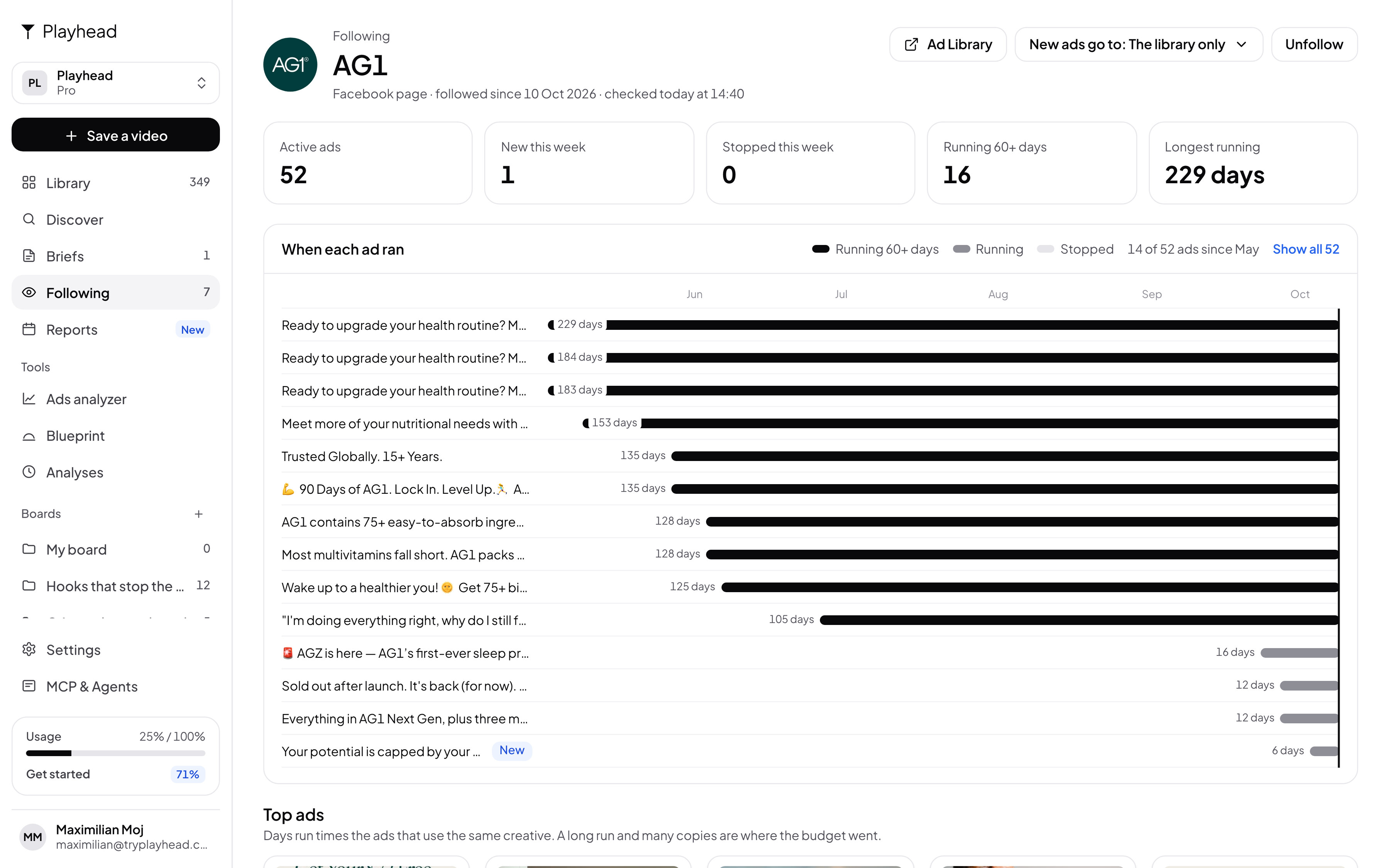
Following
Automatically track competitors
Library and boards
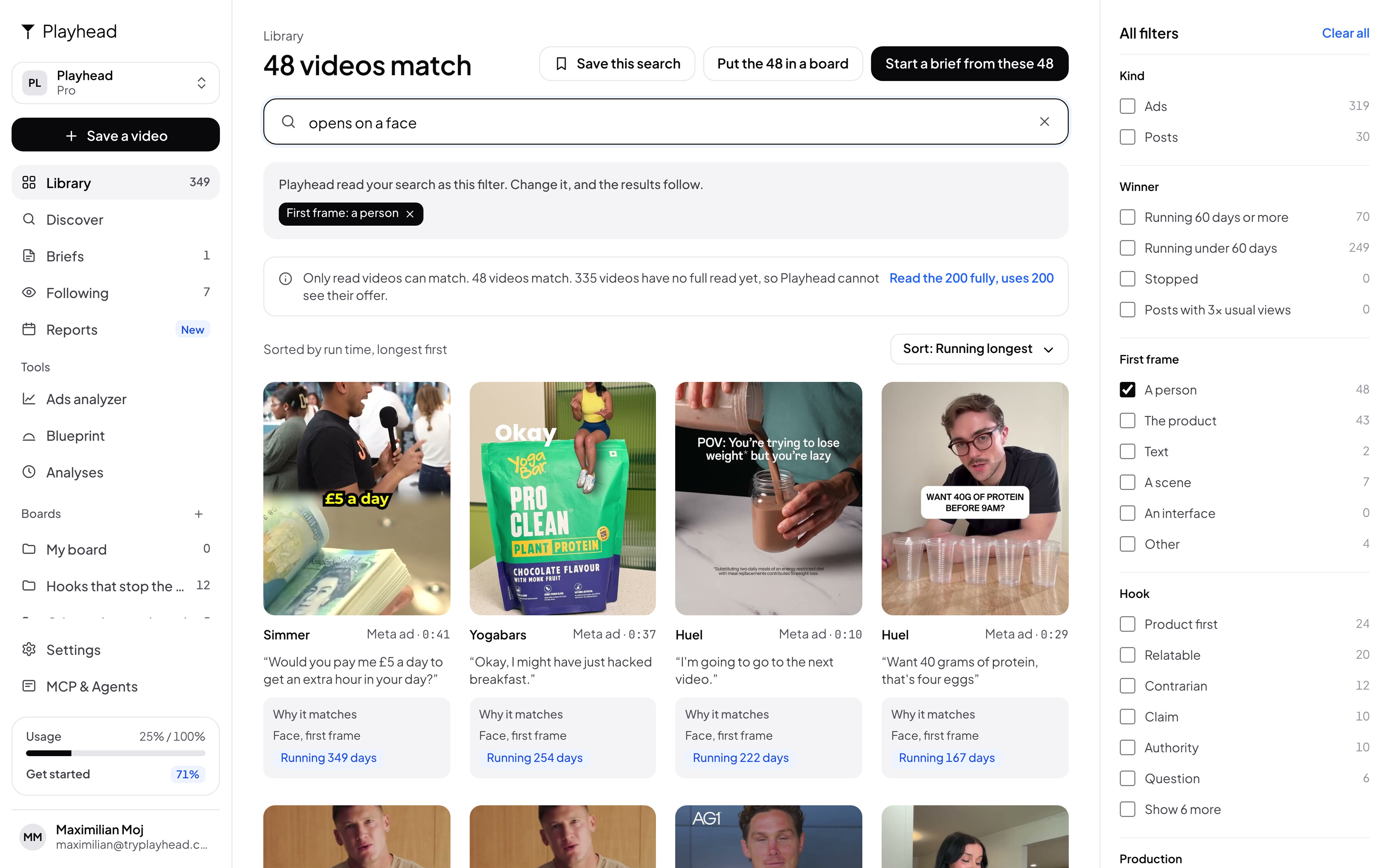
Save from anywhere, search what happens
Creative analysis
Know why it works, second by second.
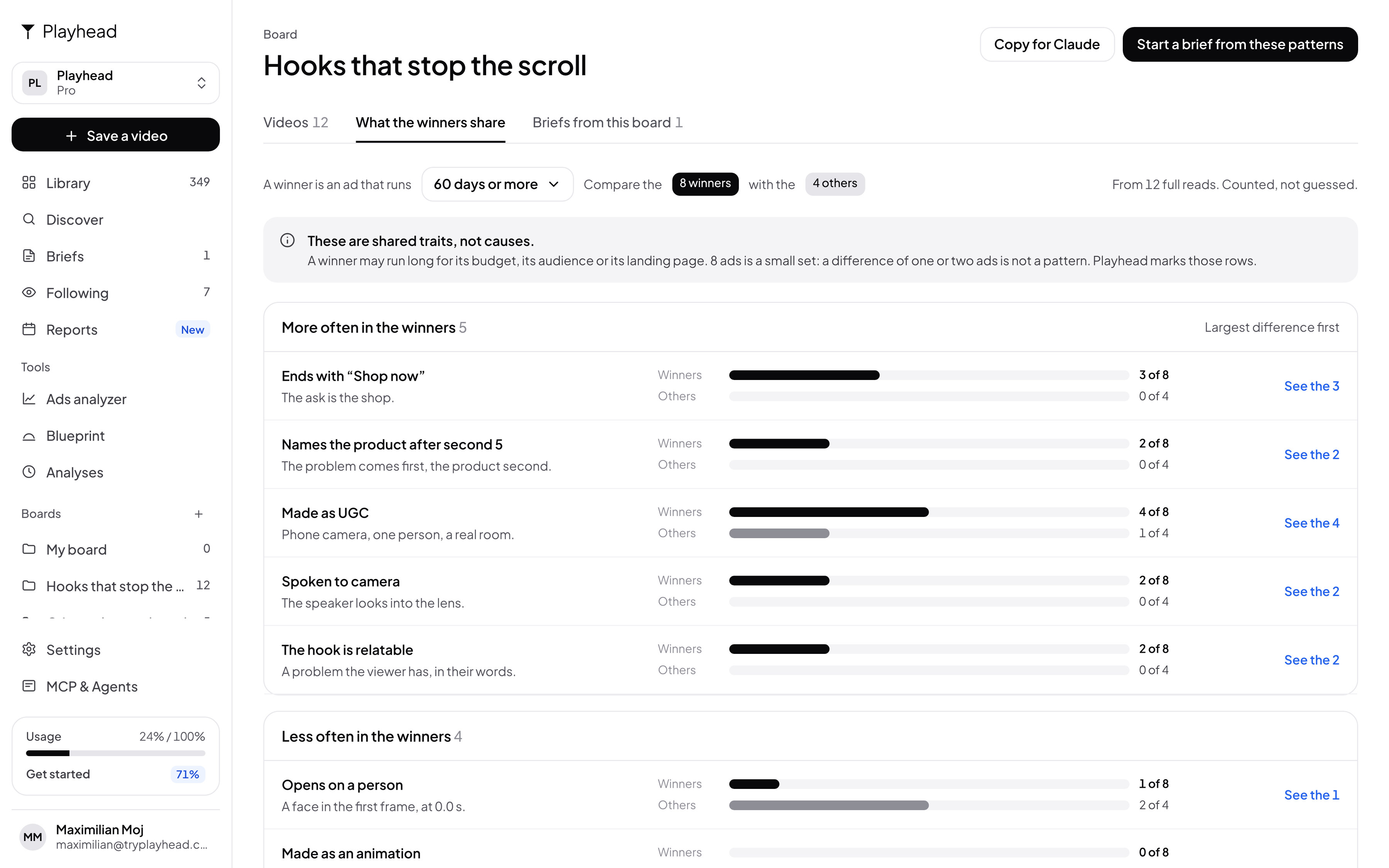
Playhead watches every video. Then it counts what the winners share.
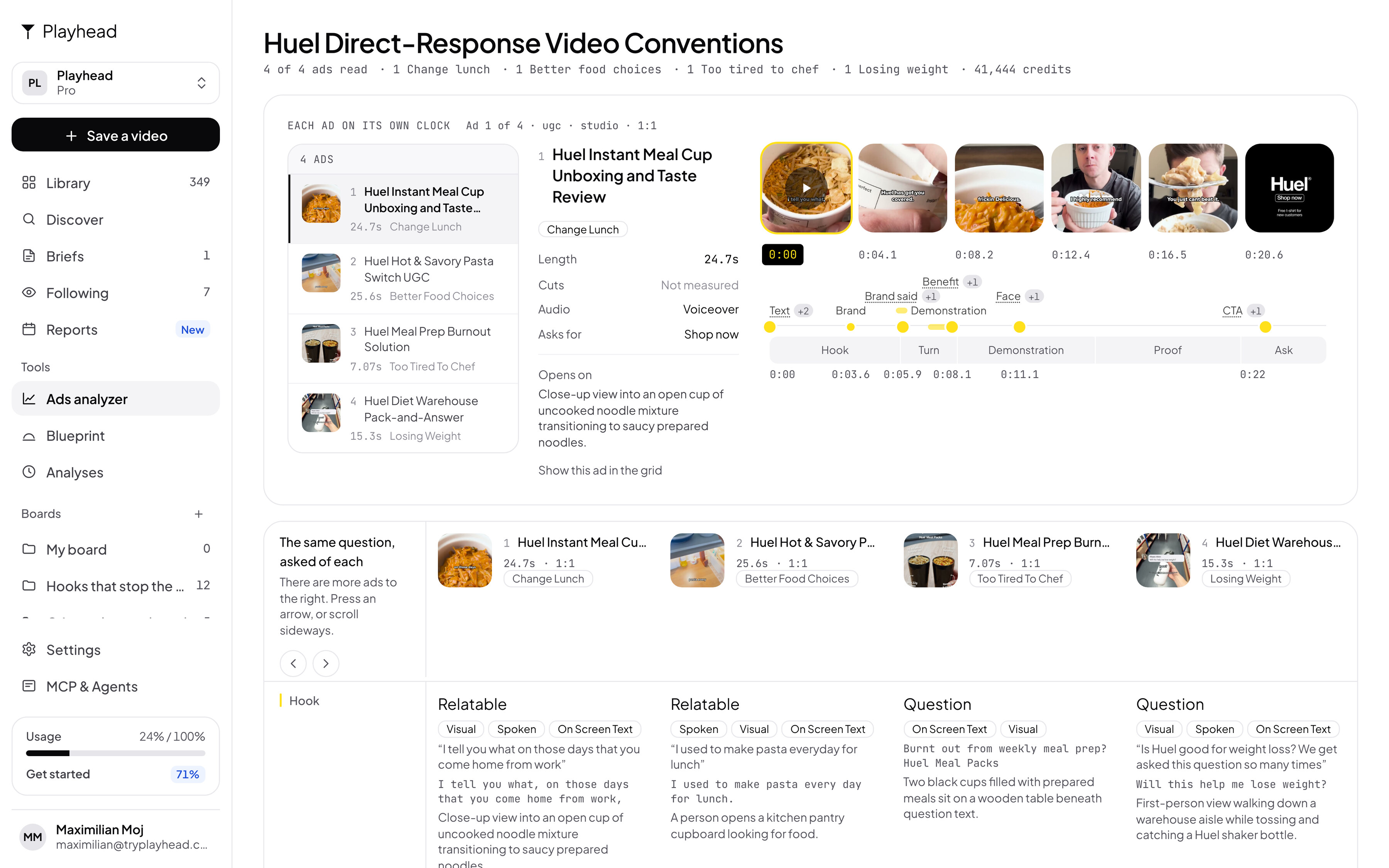
Ads analyzer
Take apart any ad, or a set of ten
Patterns
Count what the winners share
Blueprint
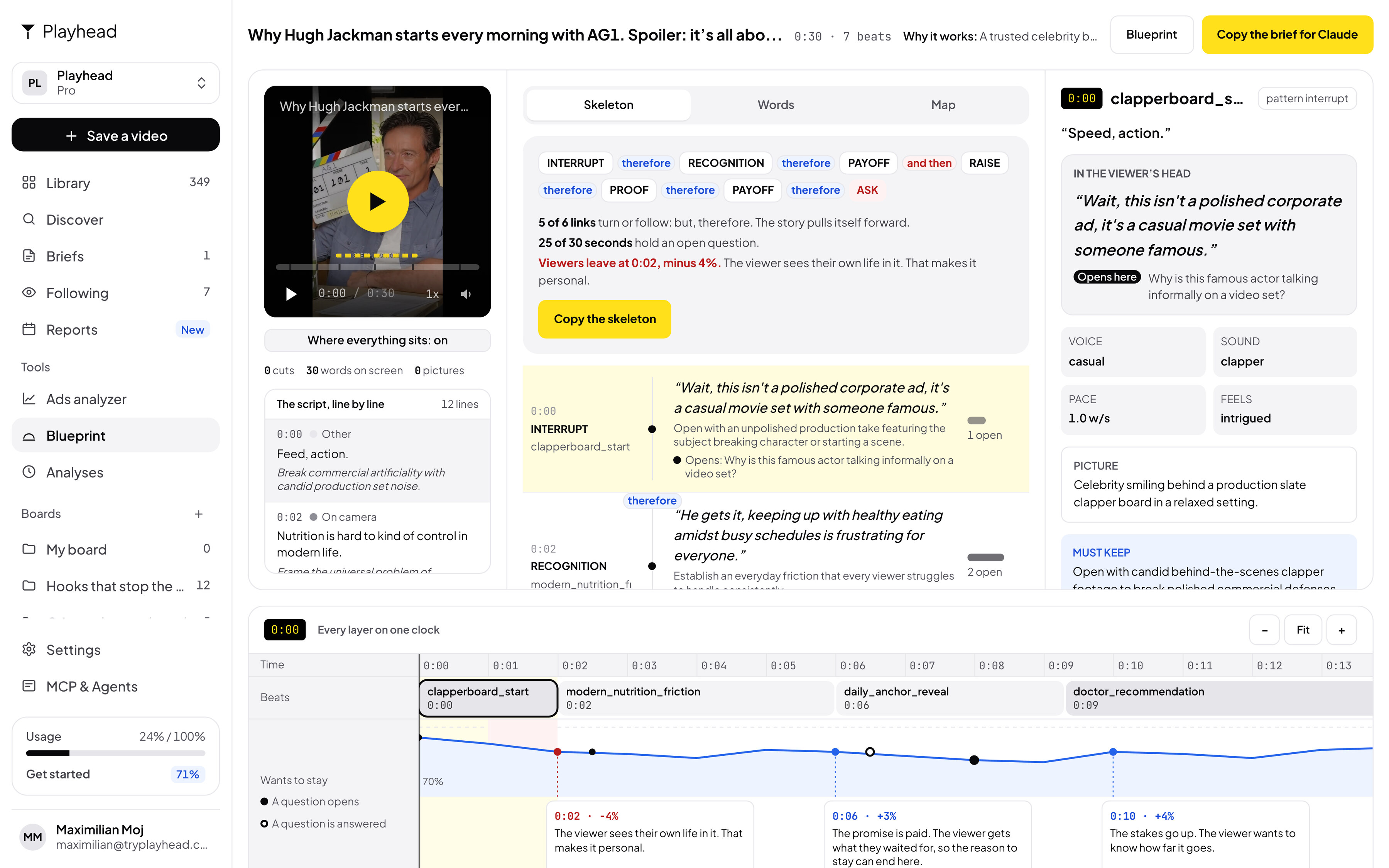
The shape of a viral post
Briefs and production
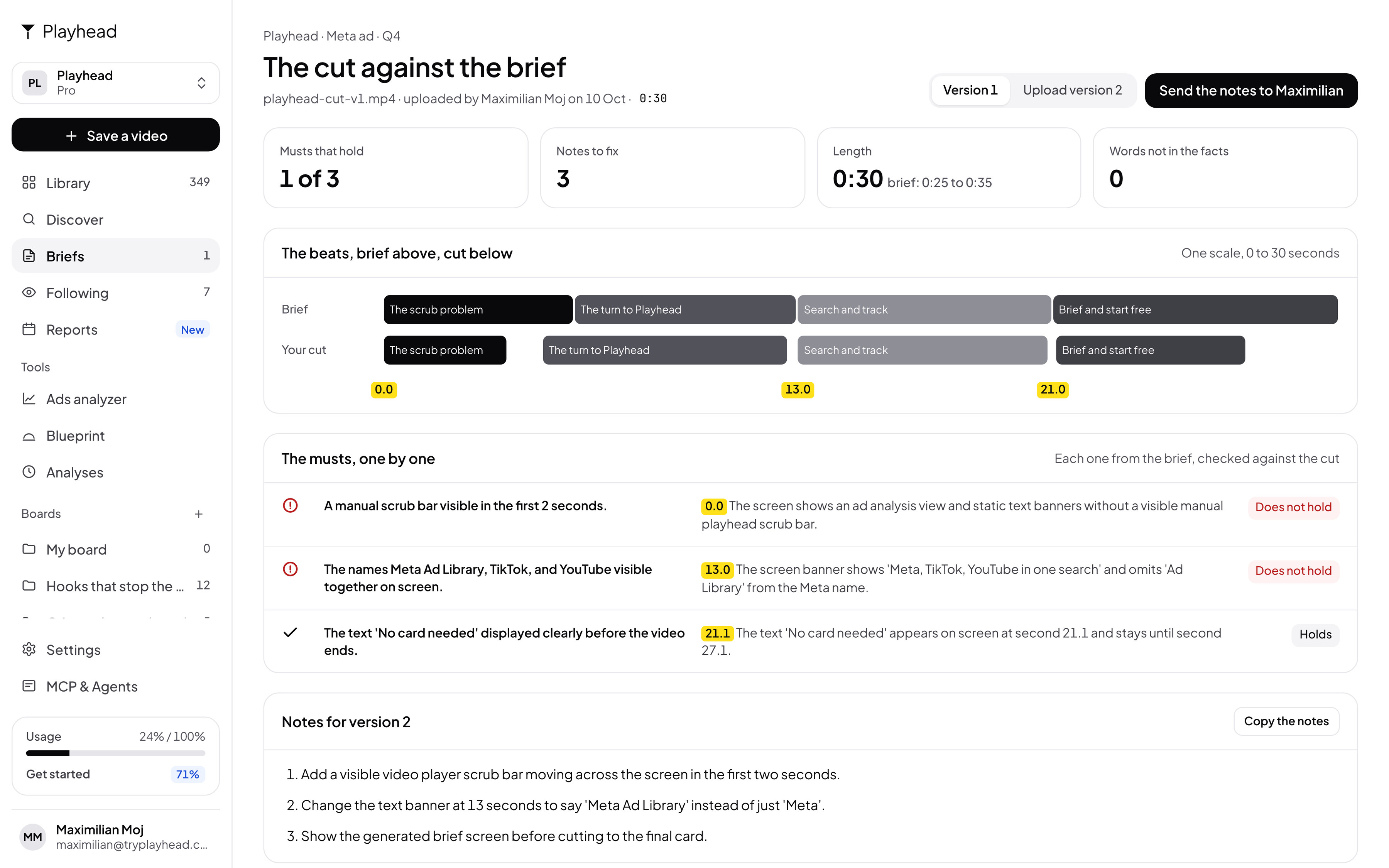
Brief it. Then check the cut.
Briefs
From the winners to a brief, in one click
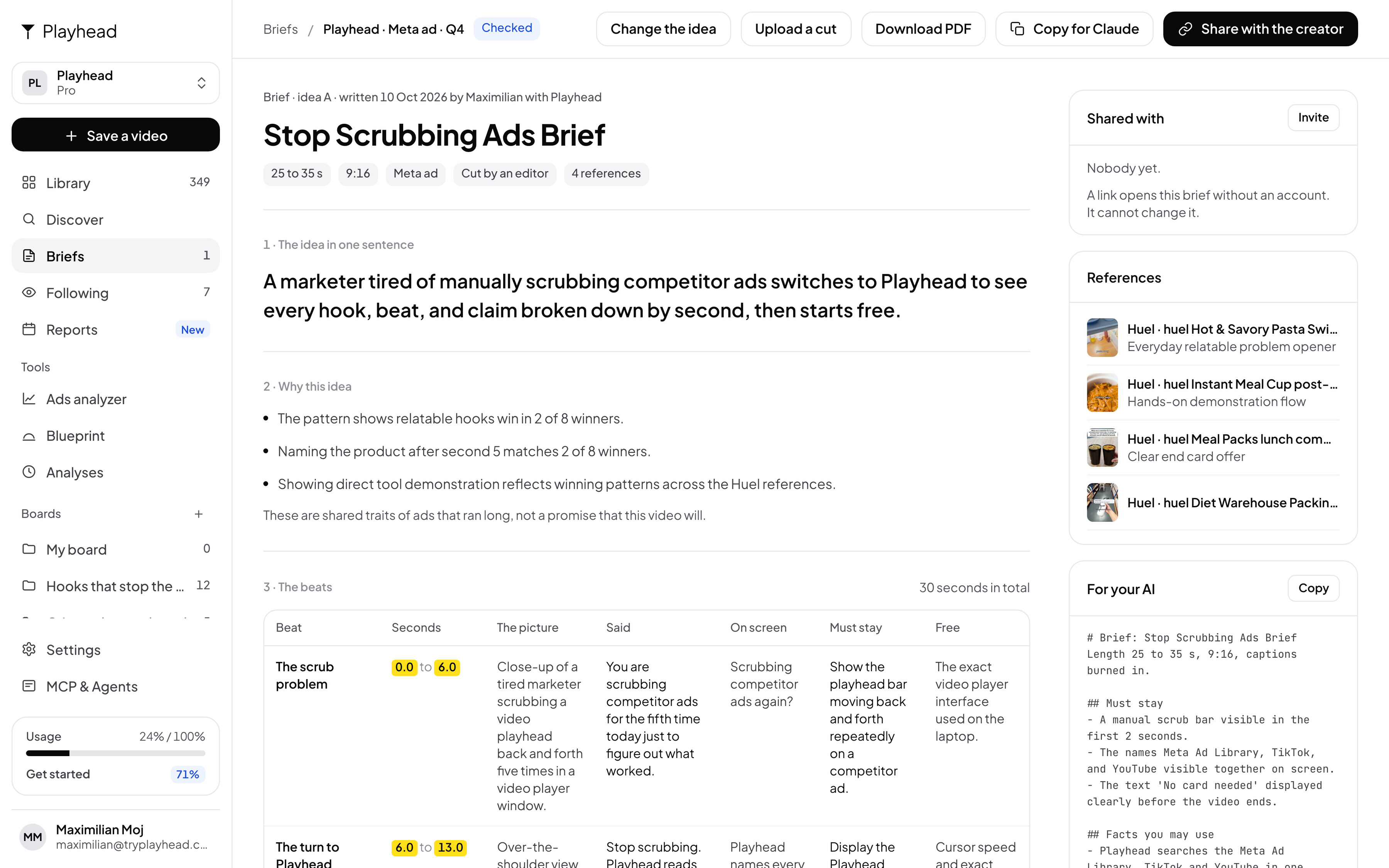
Cut check
Notes on the cut, with seconds
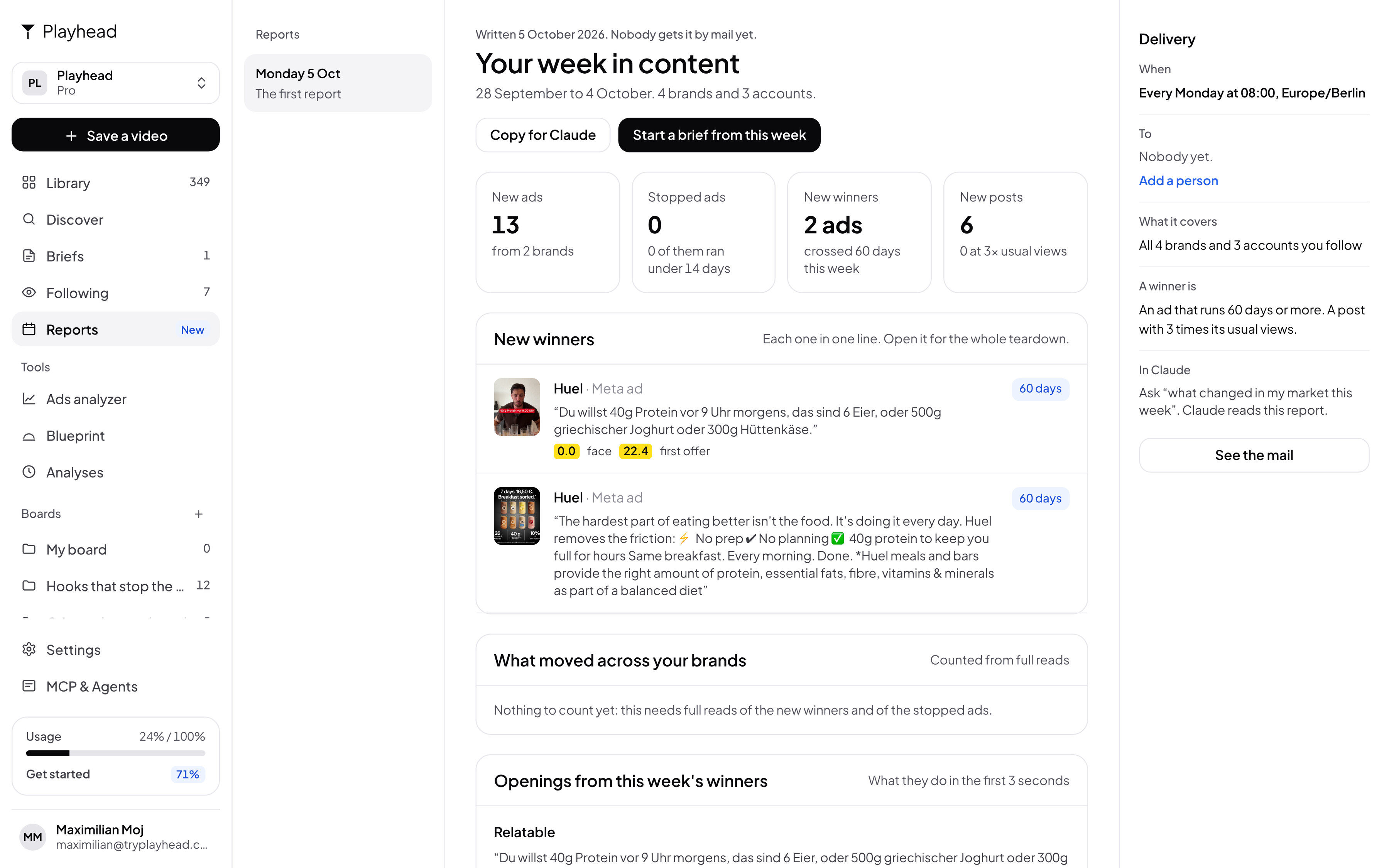
Every Monday, 08:00
What moved in your market this week.
Ready to make content that works?
Free to start. 50,000 credits every 4 weeks. No card.
Questions
How is Playhead different from Foreplay or an ad spy tool?
Those tools find the ad and keep it. Playhead also watches it: the hook, every beat and every claim, with the second. Then it counts what your winners share, writes the brief and checks the cut.
Which ad libraries can I search?
The Meta Ad Library, TikTok and YouTube, in one search. A link from Instagram, Facebook or X works too, and so does a file.
How do I track competitor ads?
Follow the brand. Playhead checks it every morning, saves each new ad, and marks the ads that pass 60 days. On Monday you get a report.
I make TikToks, not ads. Is it for me?
Yes. A post with 3 times its account’s usual views is a winner. Playhead finds those in your niche and gives you the blueprint.
Does it make the video for me?
No. It writes the brief. Your creator, your editor or your AI makes the video. Then Playhead checks the cut against the brief.
Does it work in Claude and ChatGPT?
Yes. Add Playhead as a connector and ask in the chat. What you read there lands in your library.
Playhead is a competitor ad analysis tool for performance marketers.
You paste a link to a video ad, yours or a competitor's, and Playhead watches it and writes down how it is built, with the second of every moment. It runs in the browser, in an assistant like Claude, and over an API. Signing in with Google is used only to create and access your Playhead account: we receive your name and email address, and nothing else. Your videos are yours. What happens to them is set out in the privacy policy.